Tracking links and texts
A tracking page in your brand
Every FIRST order comes with a tracking link. Customers see where their order is, when it'll arrive, and the driver on a map, all under your logo and colors.
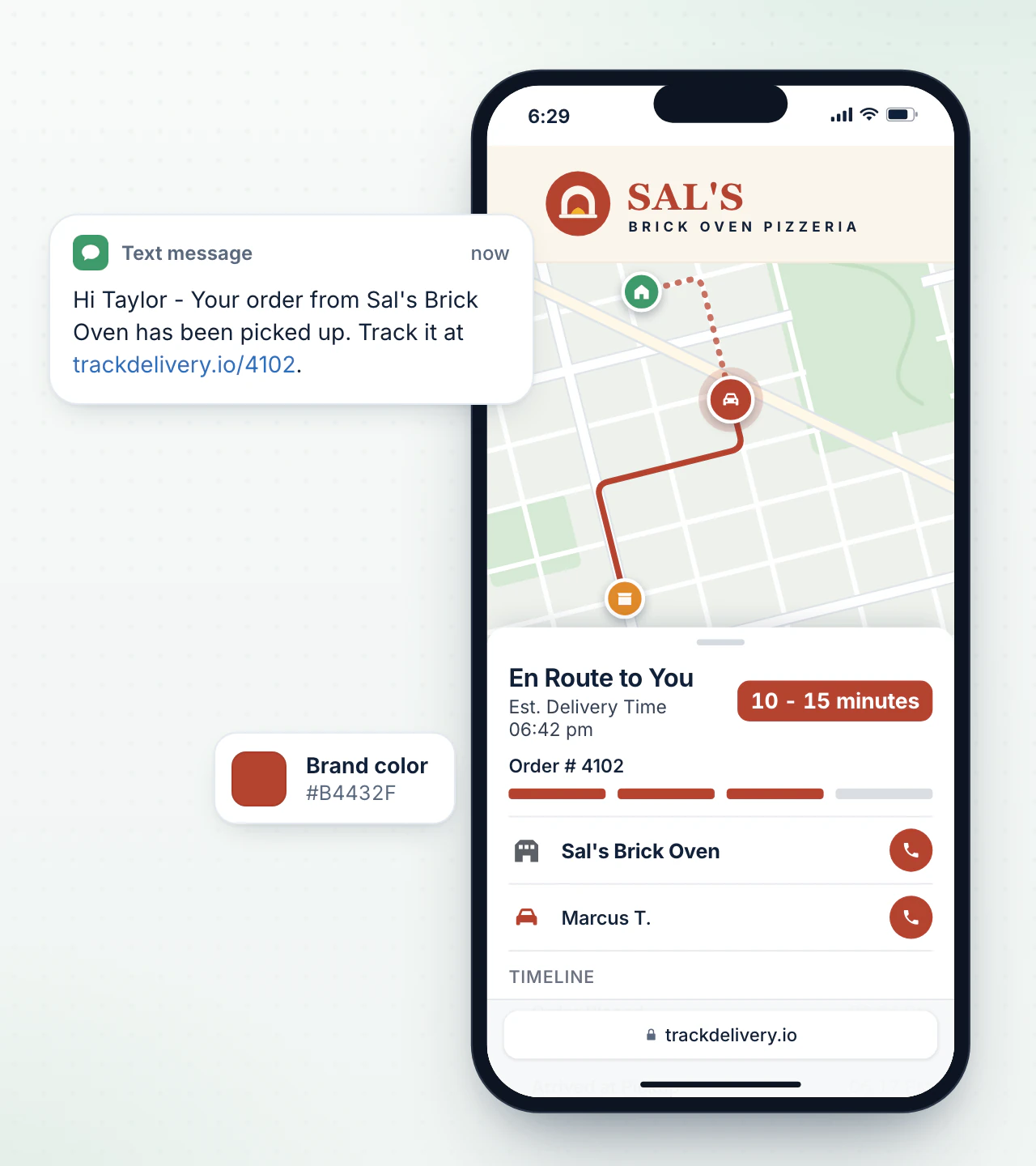
Customers can see every step
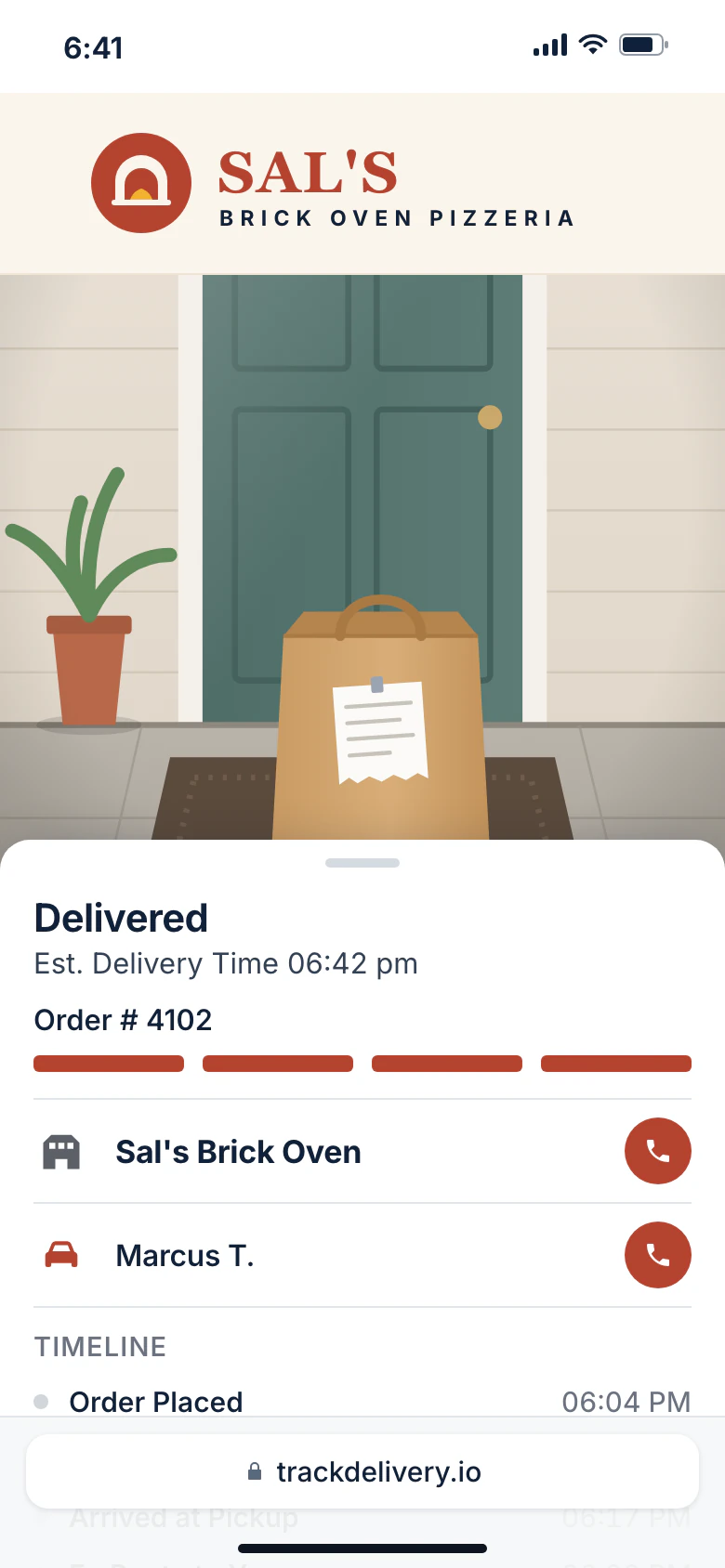
The page updates on its own as the order moves from the kitchen to the door. Before pickup, the ETA is your delivery estimate plus the restaurant's buffer. Once the driver has the food, it can follow their live ETA. And if the driver took a delivery photo, it replaces the map once the order's delivered.
- Delivered
- En Route to Pickup
- En Route to You
Your logo, your colors, your call on what's shown
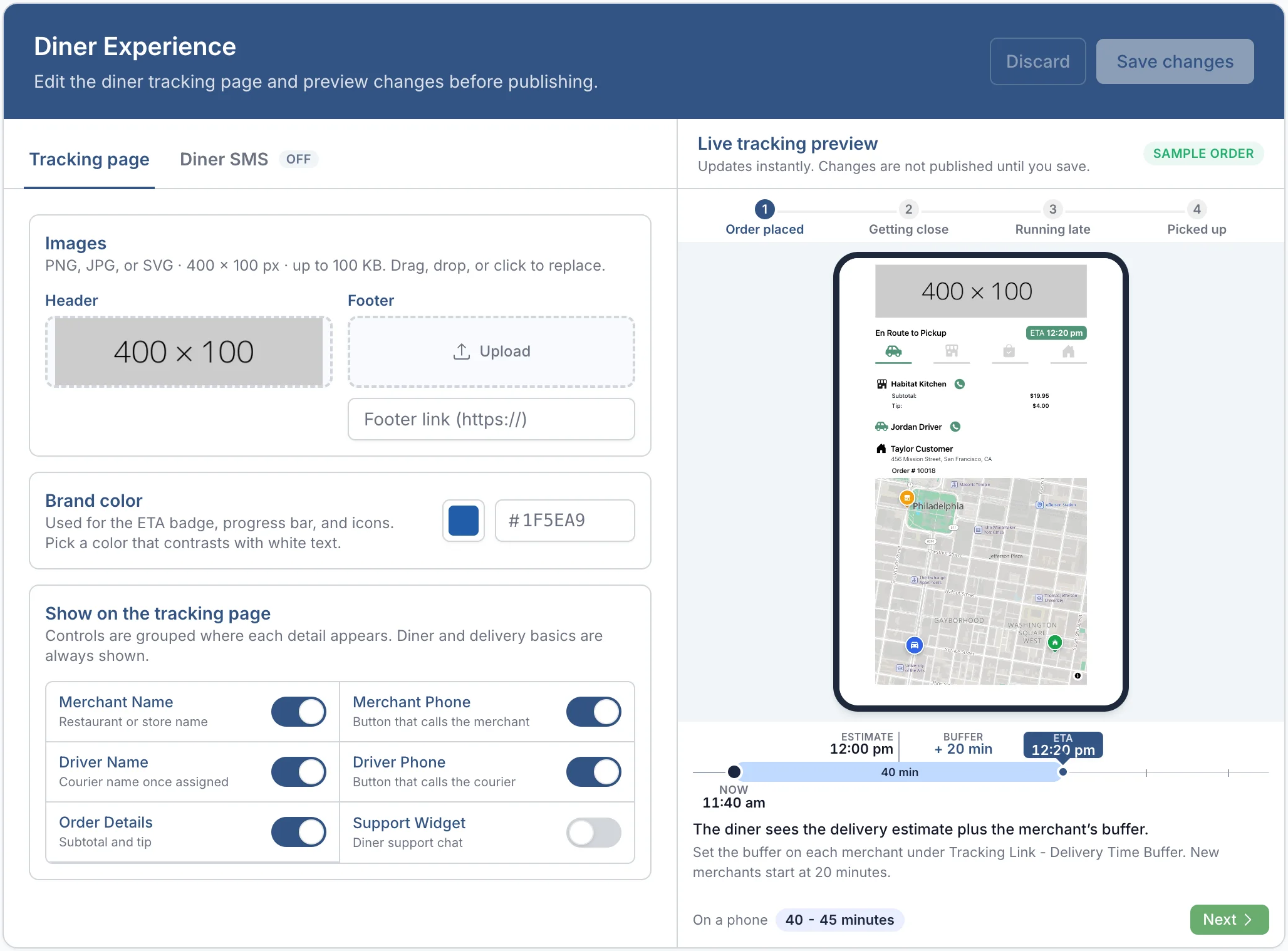
Put your logo at the top and a banner at the bottom, pick your brand color, and decide what customers see, from the restaurant's and driver's names and numbers to order details and a support widget. A live preview updates as you go, before you save anything.
- Brand color
- Live tracking preview
Text customers at the two moments you pick
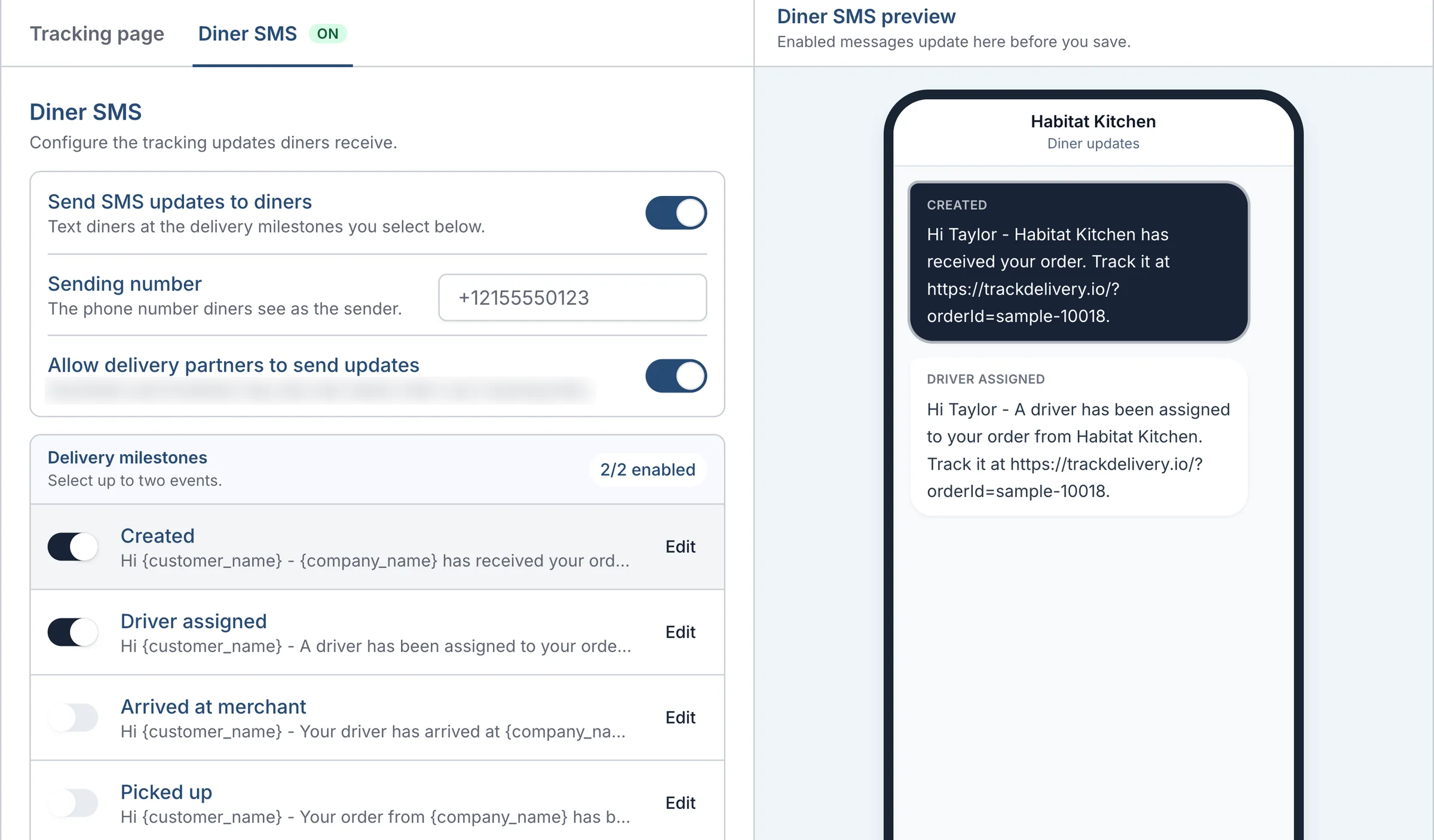
Turn on text updates and choose up to two moments to send them, like when the order's placed, a driver's assigned, the food's picked up, or it's delivered. You write the message, and it can include the customer's name, your company name, and the tracking link.
- Send SMS updates to diners
- {tracker_link}
Common questions
Frequently asked questions
Can each restaurant have its own banner?
Yes. Each restaurant's profile can set its own banner and link at the bottom of the tracking page, plus a time buffer that's added to the ETA.
How do customers get the link?
In your text updates, from your own systems through FIRST webhooks, or from a dispatcher, who can pull it up on any order.
Does tracking work when a delivery partner drives the order?
Yes, the link works for every FIRST order. How much detail it shows during a partner delivery depends on what that partner reports.